


July 2, 2026
Google Review Widget: Add Google Reviews to Your Website (2026)
Add Google reviews to your website with a free Google review widget, platform setup paths, placement tips, and SEO-safe implementation guidance.

Best Review Widget Guide
Compare what actually matters before you choose a review widget, then launch the one that fits your site's design and conversion goals.
RevuKit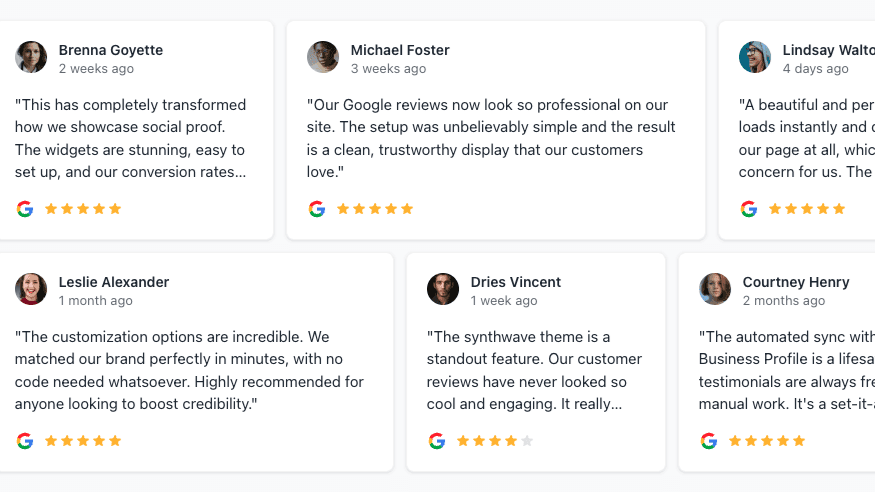
If you are searching for the best review widget or the best google review widget, focus on fit instead of feature lists. The right choice depends on design quality, setup speed, refresh policy, and how much engineering you want to own.
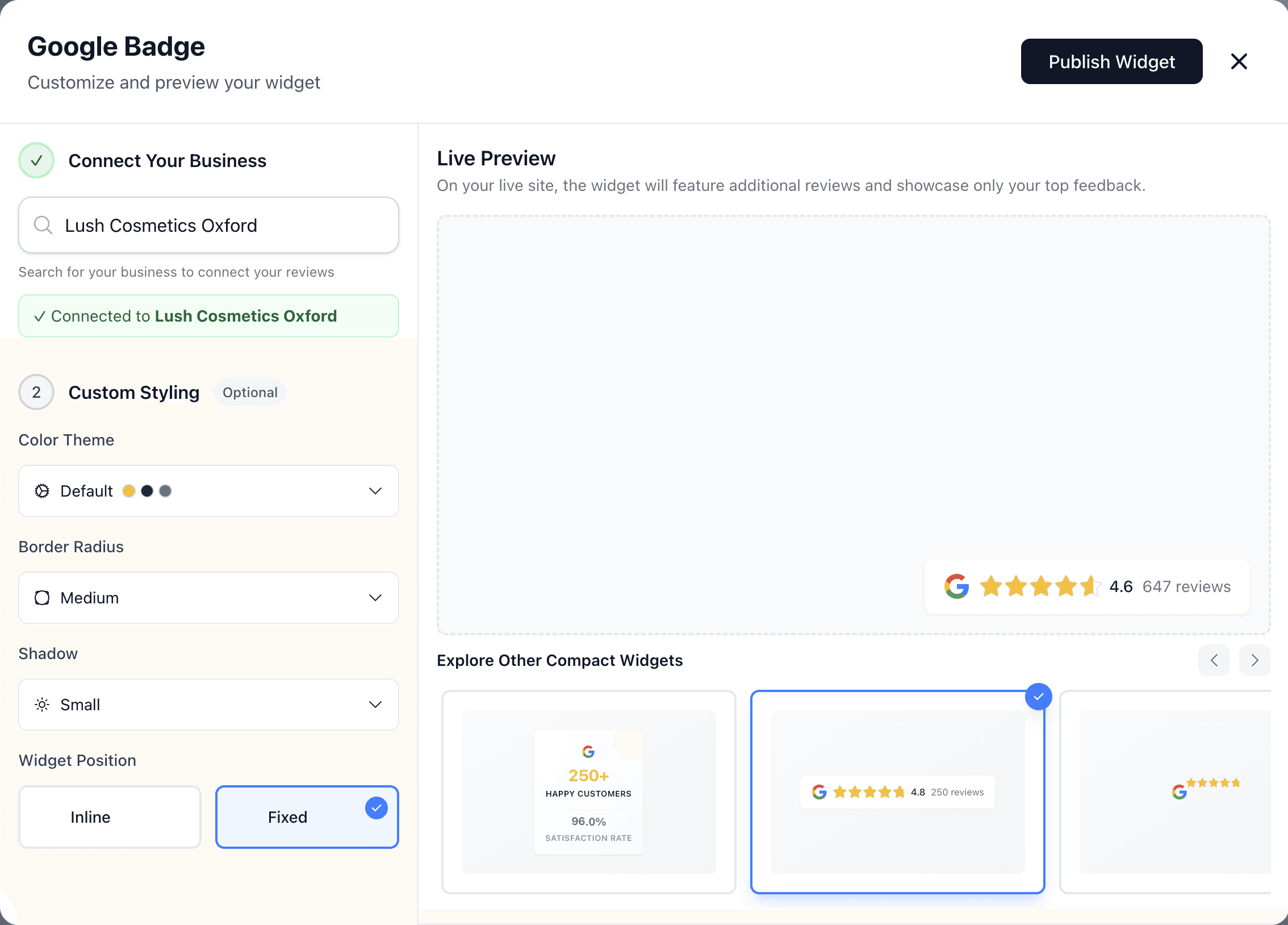
For most teams, the best google review widget is a modern embed platform that balances presentation and speed. If you want polished layouts and fast setup, start with the live widget preview and then publish through guided onboarding.
Most searches for best review widget are not looking for the biggest feature table. They are usually trying to answer three practical questions: Will this match my brand? Can I launch without engineering delays? Will it stay fresh enough to trust on sales pages?
That is why a clean setup flow and reliable review updates matter more than marketing claims. You can still compare options, but prioritize what improves buyer confidence on your actual pages.
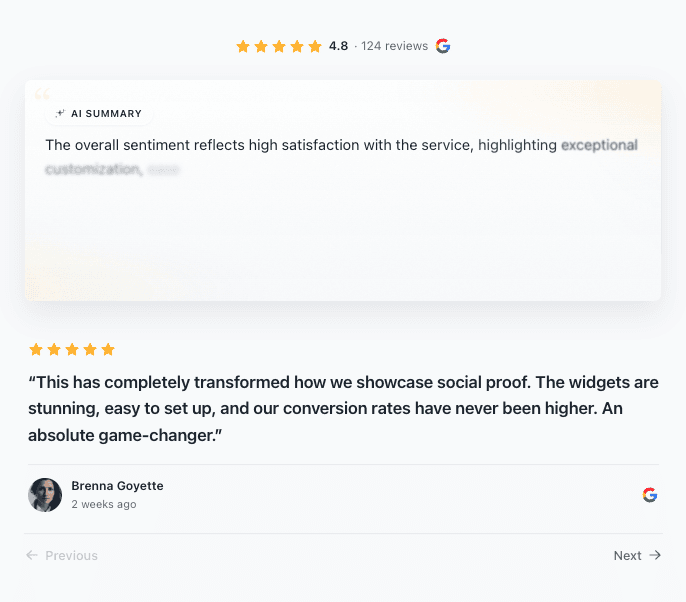
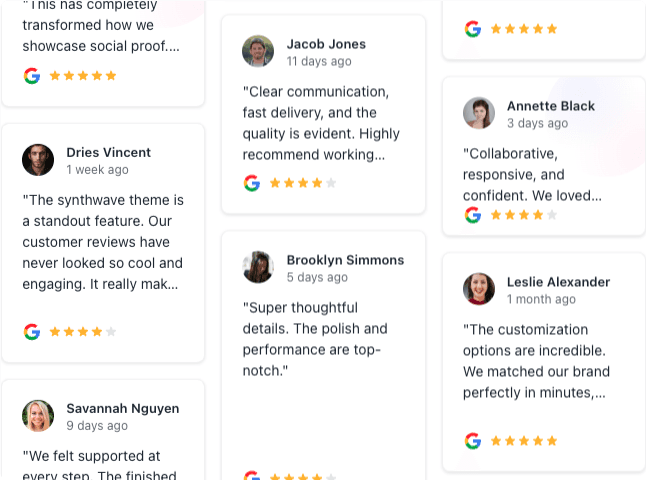
Different sections need different trust formats. A compact badge fits navigation and headers, while a larger carousel or mosaic works better in dedicated social-proof blocks.


Need platform-specific walkthroughs? Use the guides for Webflow, Shopify, Wix, Squarespace, and WordPress.
On WordPress, the plugin market is unusually crowded. Our comparison of the best Google reviews plugins for WordPress separates design-first tools from multi-source feeds, local-storage plugins, and broader social suites.
Usually through behavior, not magic ranking jumps. A high-quality review widget can improve perceived trust, keep users engaged longer, and support stronger conversion behavior on commercial pages. The reviews themselves also influence local pack rankings through volume, recency, and rating.
For deeper context, read how to embed Google reviews, why review refresh policy matters, and the AI Summary Carousel guide, our RevuKit vs Elfsight comparison, our RevuKit vs Trustindex comparison, our RevuKit vs EmbedSocial comparison, and our guide to free vs paid review widgets.
The best choice is the one that fits your design standards, launch speed, and refresh expectations. For most teams, that means a modern widget platform with clear limits and a smooth embed flow.
Pick a provider with multiple layout styles and visual controls so the widget feels native on desktop and mobile, instead of looking generic.
Yes. Many teams validate fit first, then move up plans when they need more widget styles, better refresh behavior, and higher usage limits.
Yes. If your stack supports embeds or script blocks, setup is typically straightforward.
Test layouts in the preview tool, then publish through onboarding on your highest-intent page first.
Want to validate fit quickly? Open the widget preview and then continue to onboarding to launch.
Related Articles
July 2, 2026
Add Google reviews to your website with a free Google review widget, platform setup paths, placement tips, and SEO-safe implementation guidance.
January 15, 2025
Learn why Google review widget updates matter, how 24-hour sync compares with 72-hour cache delays, and how fresher reviews protect trust.
February 19, 2026
Meet the AI Summary Carousel — RevuKit's newest premium widget. AI-generated review summaries, word-by-word reveal, 3D tilt physics, and aurora animations. See how it works.